Free AI Photo Colorizer
Upload black-and-white or faded photos and let AI bring back their true colors in one click.
Keeping the original ratio never expands the image; choosing another ratio extends the canvas and fills in the background naturally.
Your restored photo will appear here
1. Upload your old photo · 2. Restore Now
No history yet
How to Colorize Old Photos
Restore and colorize old photos in three steps, no sign-up required.
Upload an old photo
Upload a black-and-white or faded photo. JPG, PNG and other common formats are supported, up to 10MB.
AI colorizes it
Pick Natural Color, Portrait Enhance and more; AI restores realistic lighting and colors.
Download & share
Compare the before/after, download the HD colorized image and share it with family and friends.
See Your Old Photos Brought Back to Life
Every pair below is a real before/after restoration. Drag the handle to compare the details.
Natural Color
Soft, realistic coloring that fits most black-and-white photos.
Natural Color is our most popular AI colorization effect, built for black-and-white photos and faded old photographs. Using deep learning, it analyzes light, texture and period details to apply soft, realistic coloring that keeps faces and fine details intact — giving yellowed heirlooms a natural, believable new look.
Whether you want to colorize a black-and-white photo of your grandparents' wedding, restore a faded family portrait, or revive an old school photo, Natural Color delivers satisfying results. It's ideal for old family photos, portraits and group pictures where the original tones are unclear, producing smooth color transitions and lifelike skin tones with barely a trace of AI processing.
After colorizing, you'll see skies regain their blue, walls return to warm whites, and clothing take on natural hues — all processed in your browser for free. No software to install: upload JPG, PNG or WebP photos up to 10MB and download the HD colorized result in under a minute.
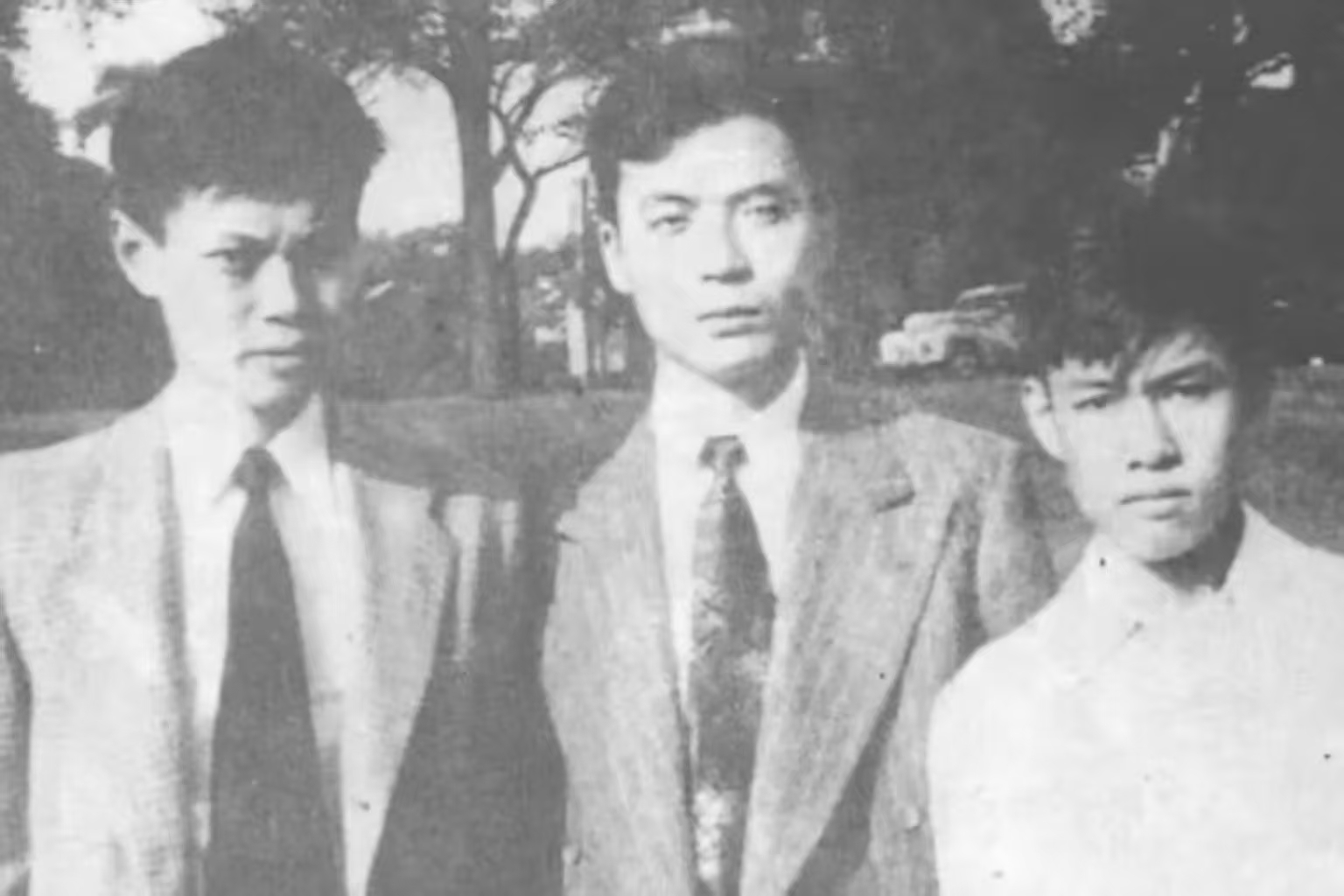 Original
 Natural Color
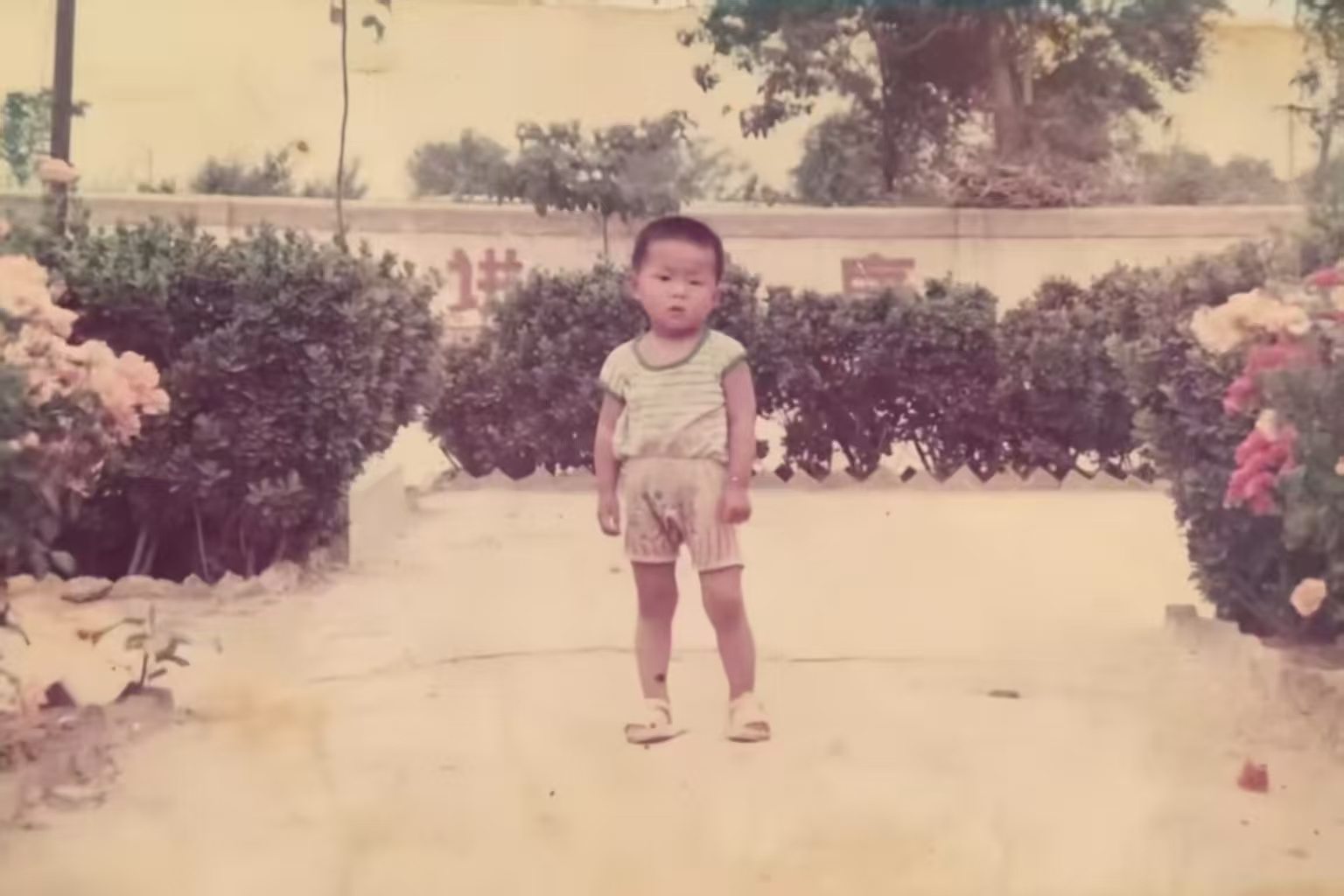 Original
 Film Tone
Film Tone
Retro film texture with subtle grain, bringing back warm memories.
The Film Tone effect gives old photos a vintage film grain and nostalgic warmth, recreating the unique look of classic black-and-white and color film stock. If you love the soft, warm, time-worn tones of old photographs, this effect instantly gives your pictures a cinematic, retro quality — perfect for digitized family albums, scrapbooks and nostalgia projects.
It works beautifully on period photographs: old family portraits, faded graduation photos, vintage wedding photos and street shots of old town. Film Tone adds warm amber highlights, rich shadows and evenly distributed grain, making every photo feel like it still belongs to a bygone era — the ideal choice for vintage filters and retro photo effects.
Unlike simple filters, AI smartly controls grain intensity and color shifts based on photo content, preserving facial details while keeping the retro mood. Use it online for free — no sign-up needed. Upload a photo and download a high-resolution film-style old photo in seconds, ready for printing or sharing.
Vivid Enhance
Boosts saturation and contrast to bring faded photos back to life.
Vivid Enhance is made for faded, gray and dull old photographs. It intelligently boosts saturation, contrast and color depth so washed-out images regain their energy and brilliance — whether it's a sun-faded family photo or a color-drained landscape shot, the result looks brighter, clearer and more alive.
It's perfect for restoring yellowed or grayed photos, water-damaged prints and scans that lost their color during copying. While increasing vibrancy, it smartly protects skin tones and skies from becoming oversaturated, keeping photos colorful yet natural — the best choice for photo color repair and fading photo recovery.
After enhancing, you'll notice the shift from dull to vivid: greener grass, bluer skies and richer clothing colors. Everything runs online and works on both mobile and desktop browsers — no app needed. Upload your photo for free and download a high-resolution, vividly restored image within seconds.
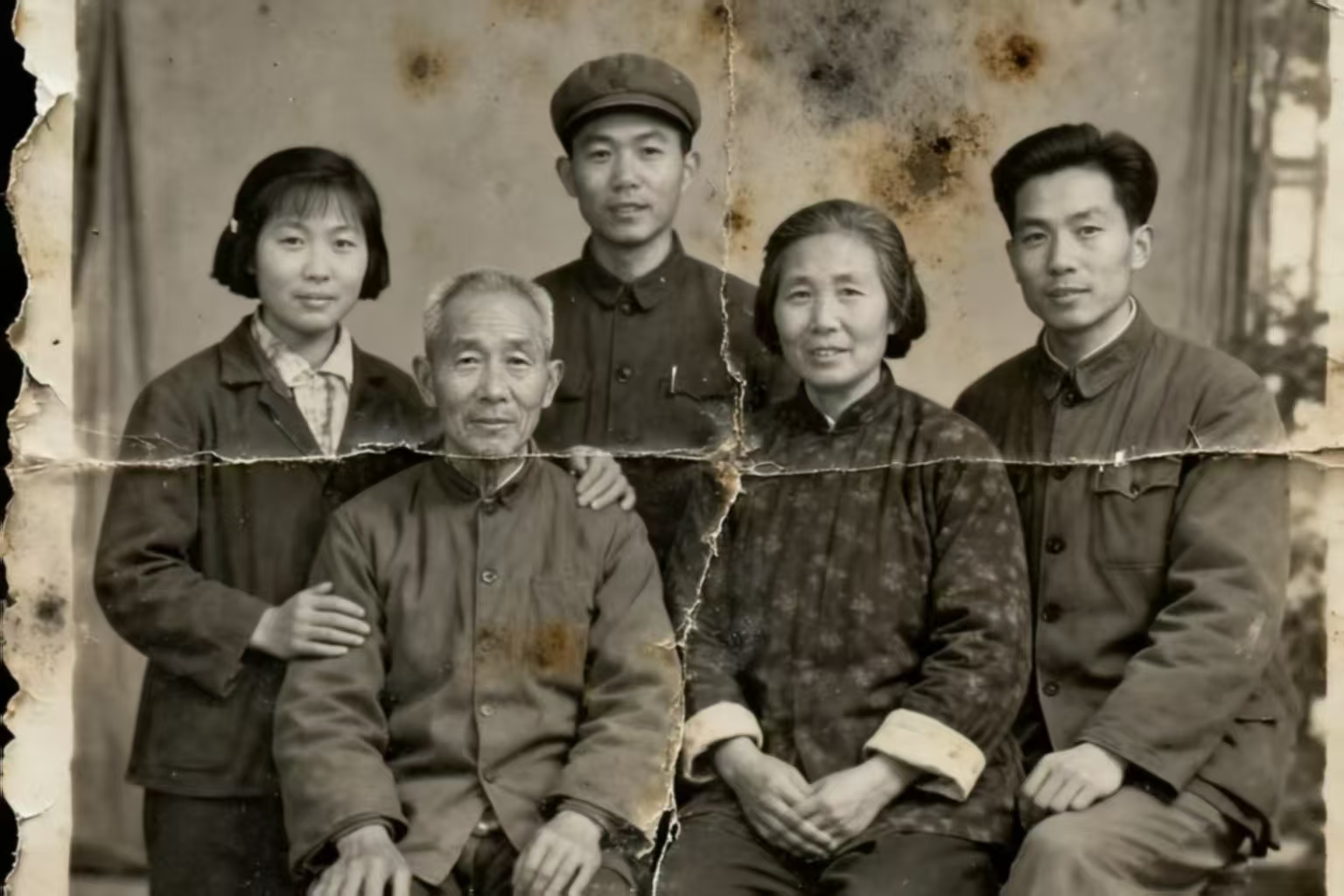 Original
 Vivid Enhance
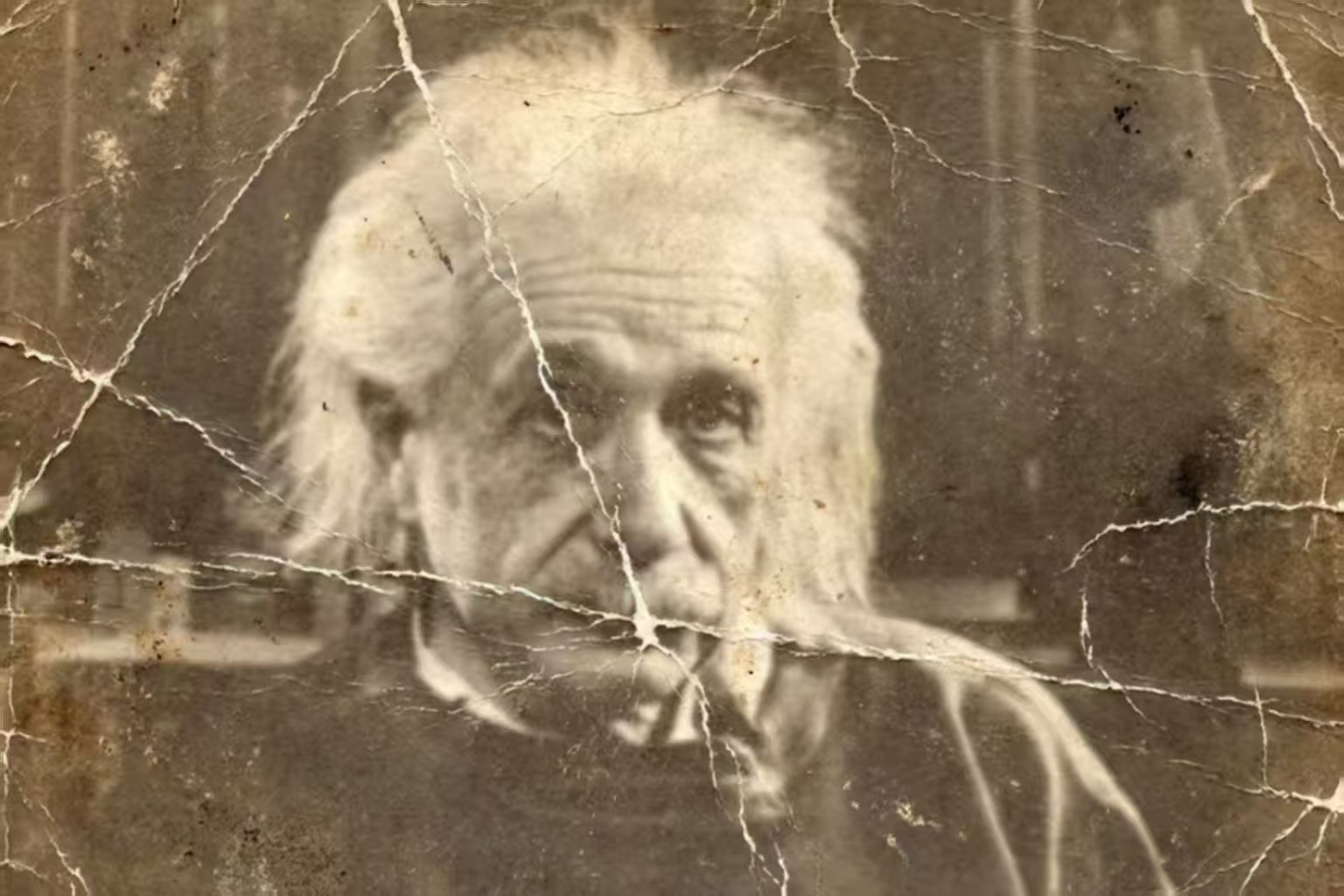 Original
 Portrait Enhance
Portrait Enhance
Optimizes skin tone and facial details so loved ones shine again.
Portrait Enhance focuses on the people in your old photos. AI detects faces and skin areas, then naturally restores skin tone, smooths texture and sharpens eyes and expressions — bringing new life to black-and-white portraits, old ID photos and yellowed portraits as if time never passed.
It's especially meaningful for restoring your grandparents' youthful portraits, your parents' wedding photos, childhood pictures of yourself, or precious keepsakes of loved ones. Without changing real facial features, Portrait Enhance makes skin look warmer and more natural and facial contours clearer, so every treasured old photo can tell a loved one's story again.
Going beyond a simple brightening filter, this effect uses deep-learning face understanding to treat skin, hair, clothing and background separately: removing spots and yellowing, adding hair shine and softening facial lighting. Upload black-and-white or faded portraits, process them free online, and download the HD restored image in under a minute.
Scenery Enhance
Highlights skies, foliage and architecture colors for old scenery shots.
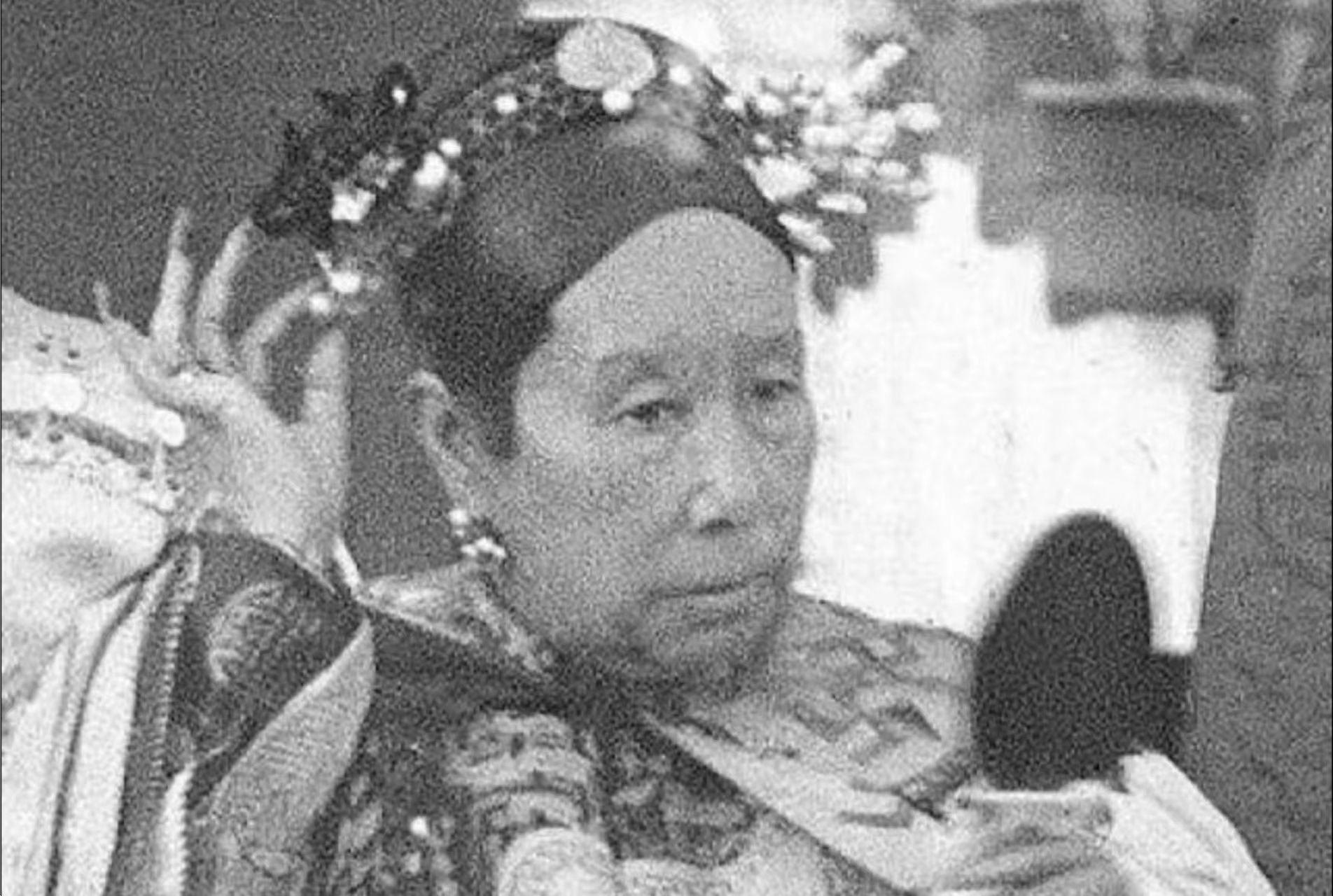
Scenery Enhance is designed for old landscape photos, historical buildings and heritage sites. AI recognizes skies, vegetation, buildings and water, giving each area natural, true-to-life color so gray old photographs regain blue skies, green hills and vivid streets — like traveling back to the moment the photo was taken.
It's ideal for restoring old town streets, historical architecture, vintage postcards, travel souvenirs and faded nature shots. Ancient city walls, weathered houses, old riversides and classic scenery all regain vibrant, believable color, making it the go-to tool for old landscape colorization and historical photo restoration.
Coloring respects regional and era characteristics, so skies, plants and buildings look natural and consistent while the original composition and details are preserved. Restore old photos online for free — no sign-up or downloads needed. Works on mobile and desktop; upload and get a high-definition restored landscape in seconds.
 Original
 Scenery Enhance
 Original
 HD Restore
HD Restore
Removes scratches, restores details and upscales resolution.
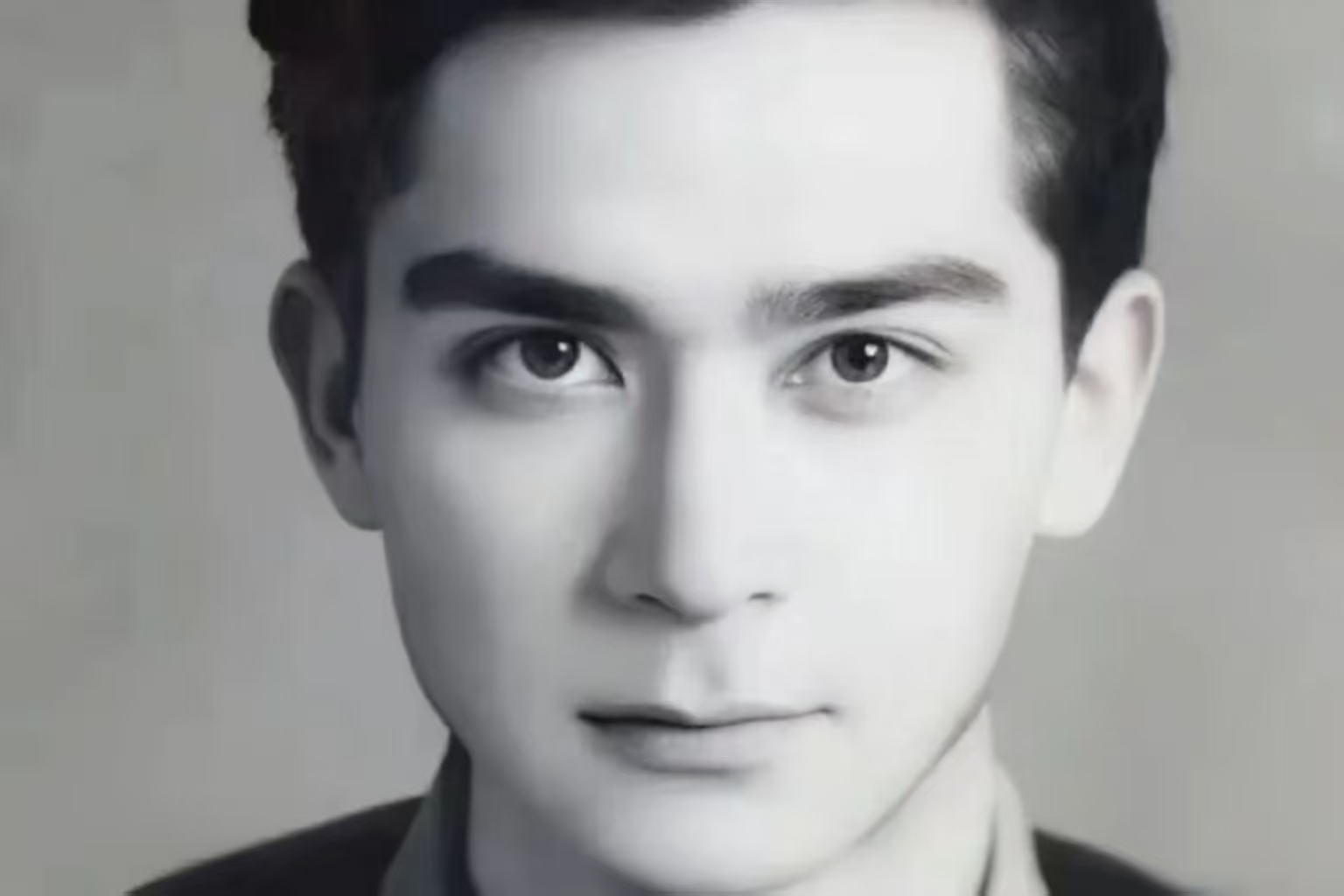
HD Restore combines scratch removal, detail restoration and AI upscaling to fix damaged, blurry and low-resolution old photos. AI detects scratches, creases, stains, noise and blur, repairing damage while increasing resolution and sharpness — so worn, faded photographs become clean, crisp and ready to print.
It's perfect for restoring creased and scratched prints, decades-old blurry photos, low-resolution scans and damaged family portraits. Whether it's mending torn corners, removing yellow stains or making blurred faces sharp again, HD Restore greatly improves quality while preserving the original texture — the best tool for high-definition photo repair and scratch removal.
Using advanced AI super-resolution, it boosts resolution while intelligently filling in missing texture and detail, so enlarged photos stay sharp and natural. Process your photo online for free and download the HD version in under a minute. JPG, PNG and WebP supported — good enough for printing, albums and social sharing.
Any Old Photo Can Get Its Colors Back
Covers common old photo types, there's always one for you
Family Group Photos
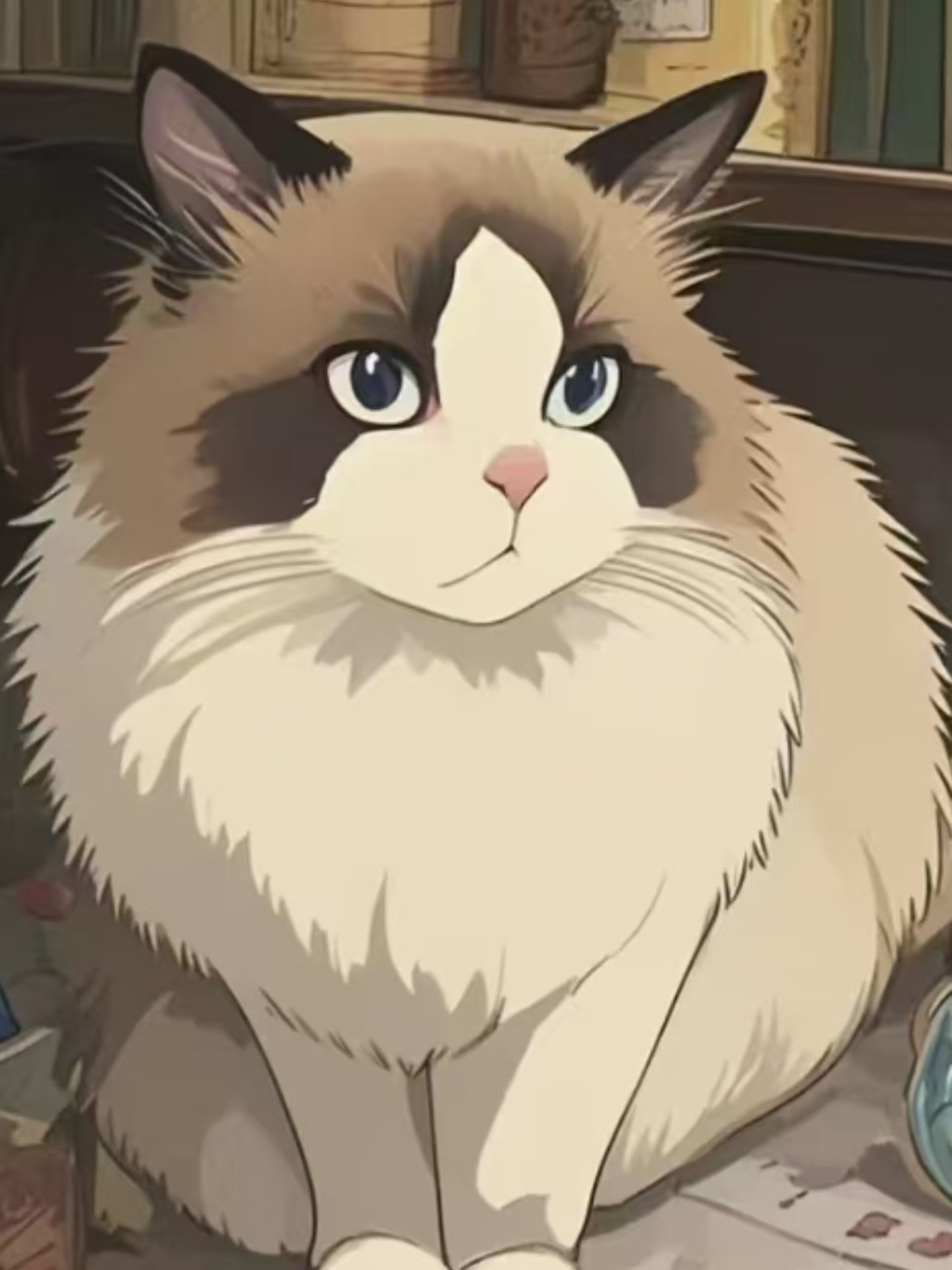
Digitize faded family portraits and see grandparents as they once were.
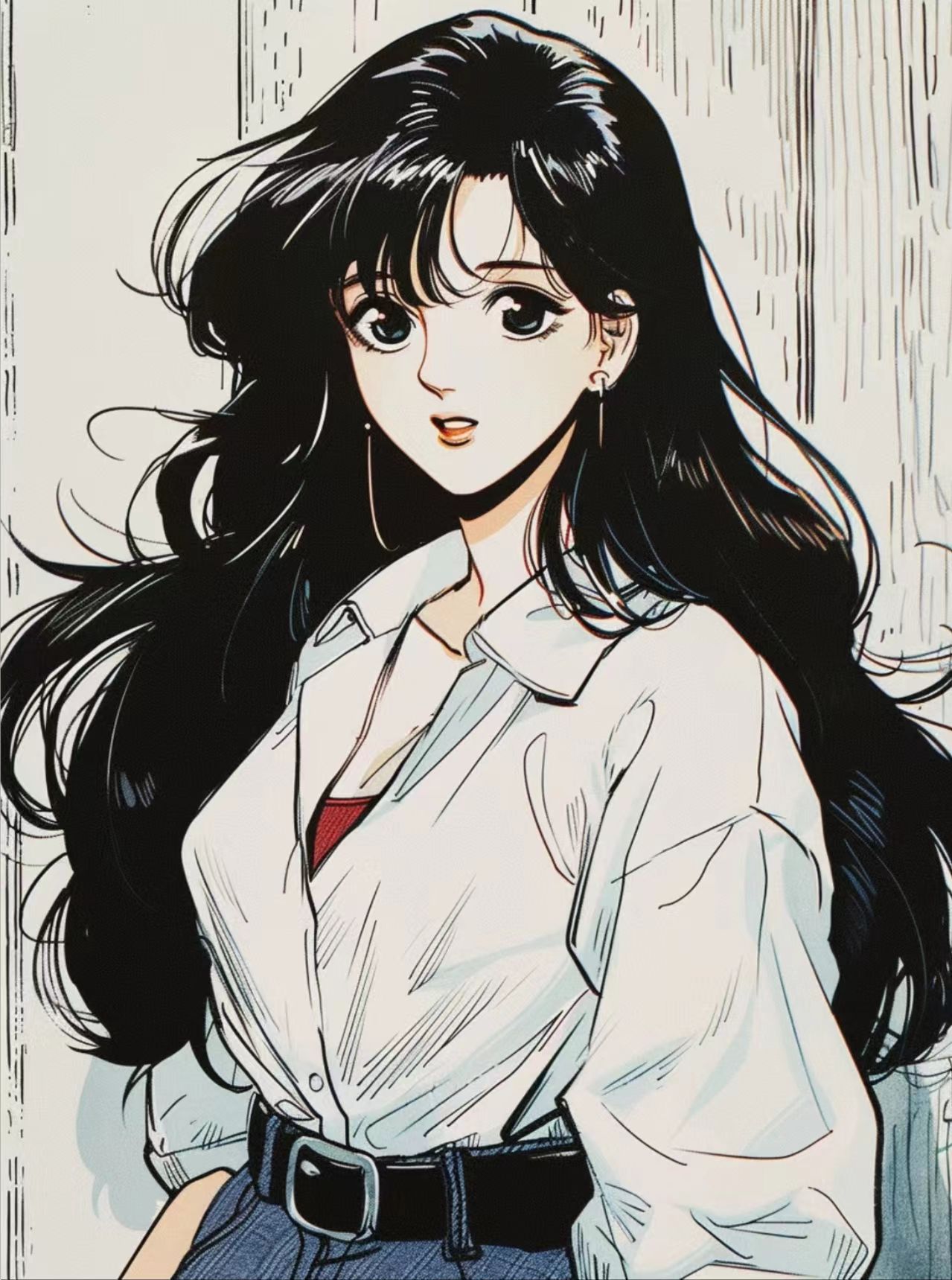
Old Portraits
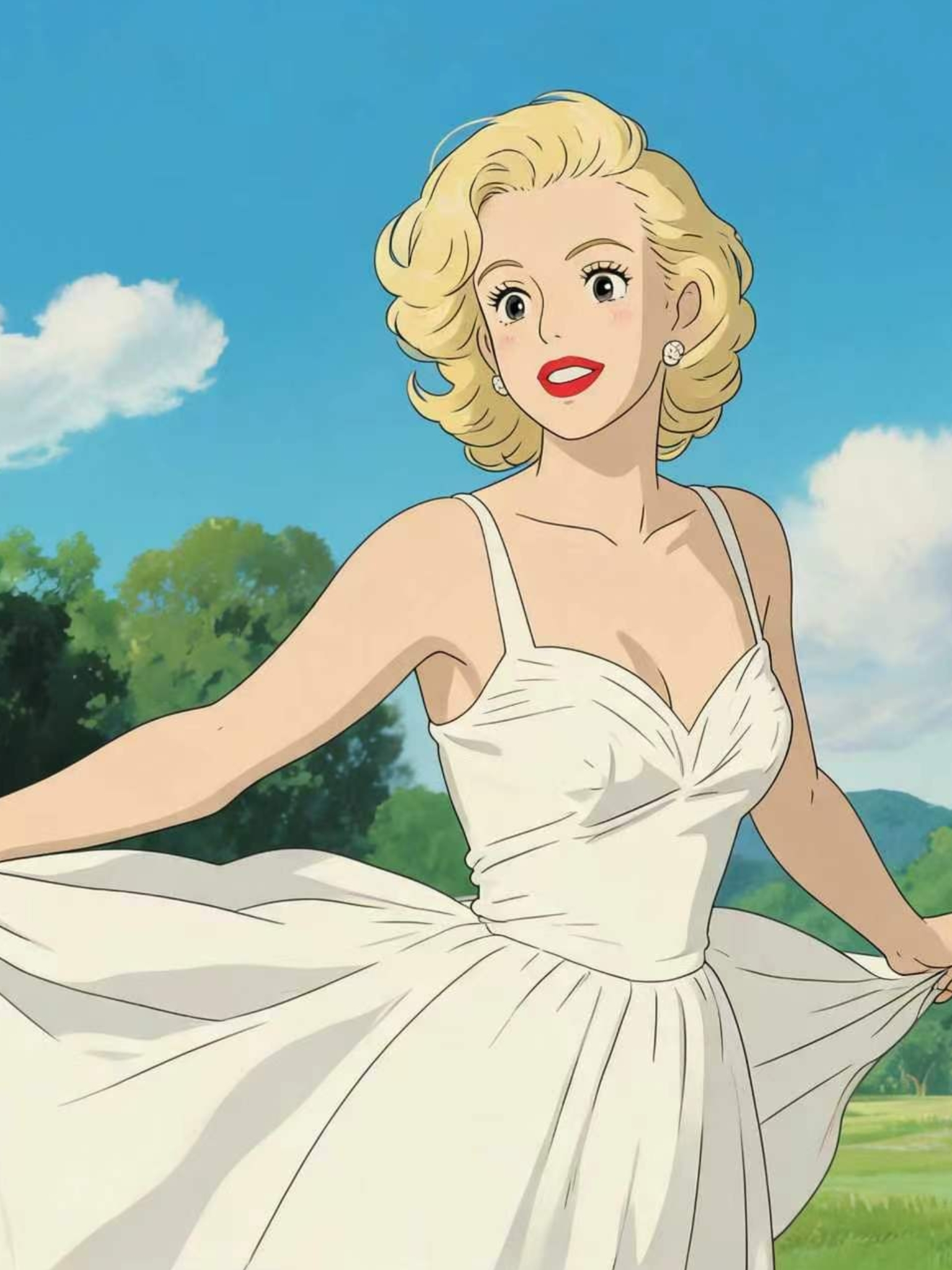
Colorize black-and-white portraits with natural skin tones and expressions.
Childhood Photos
Repair scratches and add true colors to childhood memories.
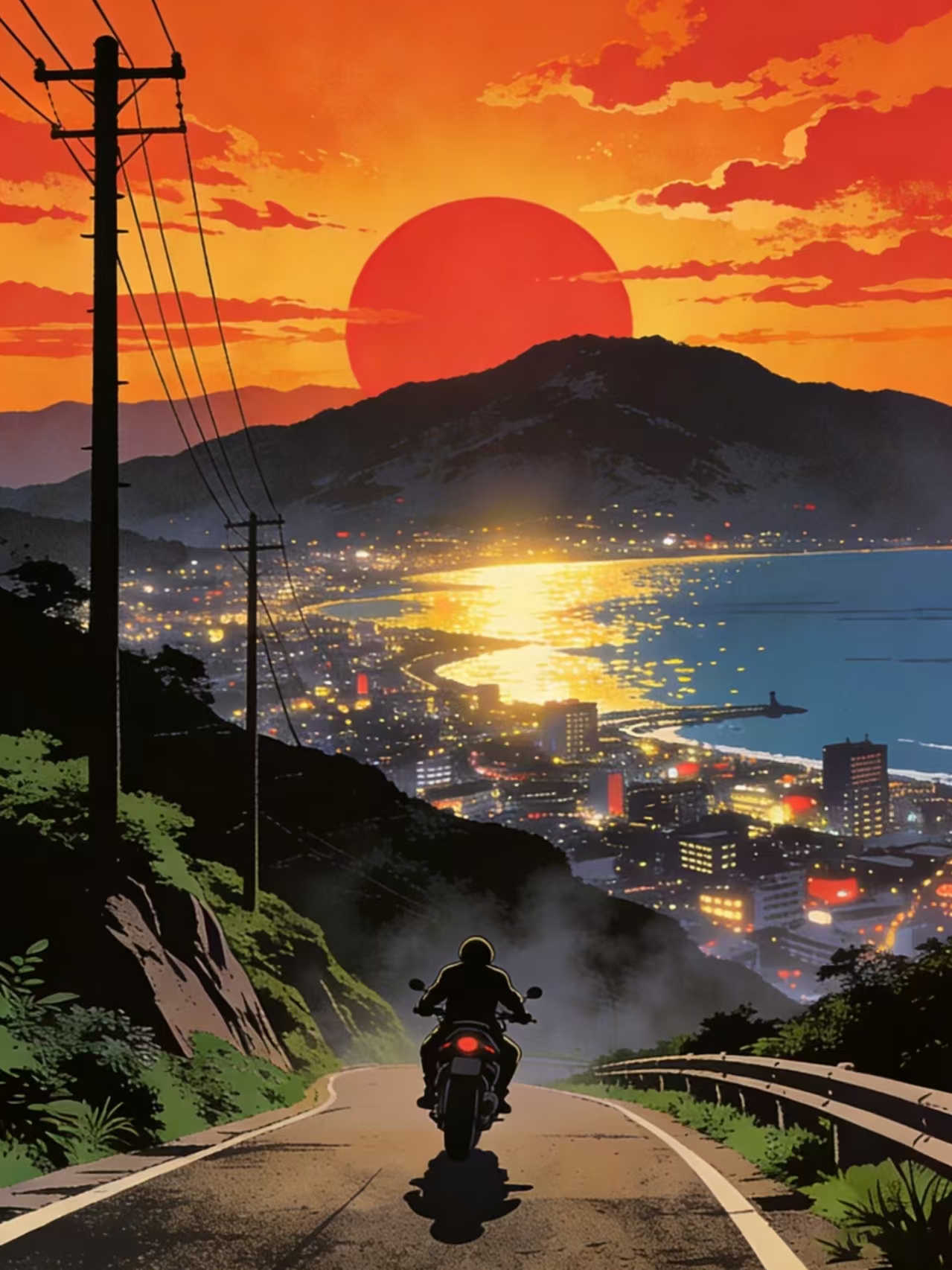
Historic Scenery
Restore colors to old town and landmark photos, reliving the past.
What People Are Saying
Real reviews from users and creators, witnessing every old photo reborn
My grandpa's black-and-white photo finally has color. The whole family was moved to tears!
- Xiao Lan · Grandchild
Choose the plan that fits you
Start for free, subscribe to unlock more credits and VIP benefits. Pick the plan that suits your needs.
Starter
For personal everyday use.
- 200 subscription credits per month
- 20 free credits per day
- Up to 800 credits per month
- Carry over up to 600 credits while subscribed
- VIP access
- Higher output quality on most models
- Batch processing
Pro
For frequent creators & professional use.
- 1,000 subscription credits per month
- 30 free credits per day
- Up to 1,900 credits per month
- Carry over up to 6,000 credits while subscribed
- Everything in Starter
- Priority processing speed
Ultra
For high-volume production & commercial workflows.
- 2,000 subscription credits per month
- 50 free credits per day
- Up to 3,500 credits per month
- Carry over up to 12,000 credits while subscribed
- Everything in Pro
- Best for high-volume & commercial use
Frequently Asked Questions
Everything you may want to know about photo colorization